
Game Boy Screen Too Dark? The Best Backlight and Light Fixes
This post contains affiliate links. As an Amazon Associate, Retro Tech Gadgets earns from qualifying purchases. If you buy through one of our links we may earn a small commission at no extra cost to you. Read our full disclosure.
If you grew up with an original Game Boy, you remember the dance. Tilt it toward the lamp. Tilt it back. Sit directly under the ceiling light in the car at night and squint at a green-gray blob that might be Tetris.
The original Game Boy never had a backlight. Neither did the Pocket or the Color. Nintendo didn’t put one in a handheld sold in the US until the Game Boy Advance SP’s brighter model in 2005. So if you’ve pulled your old Game Boy out of a drawer and can’t see a thing, nothing’s broken. That’s just how it was.
You can fix it, though. Here are your options, from a clip-on light to a full screen swap.
Option 1: A Clip-On or Plug-In Light (No Mods)
The classic fix, and the one we all wanted as kids. A worm light plugs into the link port and arches a little lamp over the screen. A light and magnifier combo clips on, lights the screen and makes it bigger too.
Cheap, zero risk, and peak nostalgia. Not pretty, but it works.
Option 2: A Backlight Kit
A Game Boy backlight kit adds a light panel behind your original screen. It keeps the original look and makes the screen readable anywhere. It does take some work, though. You open the shell, separate the screen layers and install the panel. It’s a doable project, but go slowly and watch a walkthrough for your exact model.
Option 3: An IPS Screen Replacement (Best Result)
This is the one I’d do. An Game Boy IPS screen kit swaps the original screen for a modern, bright, backlit display. The difference is night and day. Crisp pixels, adjustable brightness, and many kits let you switch color palettes, including the classic pea-soup green.
Some kits need you to trim the inside of the shell, and others come with a new shell that fits perfectly. If you’re nervous about cutting, grab a kit with a replacement shell included. Most people finish in under an hour with just a tri-wing screwdriver, which you’ll need to open the console anyway.
What About the Game Boy Pocket and Color?
Same problem, same fixes. IPS kits exist for the Pocket, Color and Advance too. And if you own an original Game Boy Advance, the IPS upgrade is maybe the best value mod in all of retro gaming. That screen was famously dark.
Should You Mod or Leave It Original?
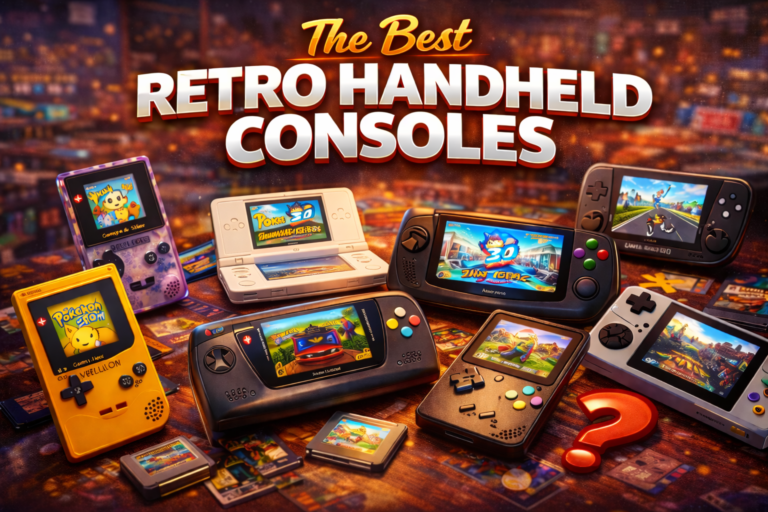
If your Game Boy is a mint, boxed collector’s piece, leave it alone. Modding kills collector value. If it’s the scuffed one you actually played as a kid? Mod it and play it. That’s what it’s for. Our handheld console timeline has the full story of every Game Boy model, and if you’d rather buy something new, check the best retro handhelds.
FAQ
Does the original Game Boy have a backlight?
No. The original Game Boy, Game Boy Pocket and Game Boy Color have no backlight. You need outside light or an add-on.
What’s the easiest way to see a Game Boy screen in the dark?
A plug-in worm light or a clip-on light magnifier. No tools or modding needed.
Is an IPS screen mod hard to install?
Not very. Most kits only need a tri-wing screwdriver and some care, though some require trimming the inside of the shell.
Does modding a Game Boy lower its value?
For mint or boxed collector units, yes. For a well-used console you plan to play, a quality mod often makes it more desirable.
Which Game Boy has a backlit screen?
In the US, the brighter Game Boy Advance SP model (AGS-101) was the first with a true backlight.